Know what is crawling your site.
BROWSE THE DOCUMENTATION
Every page, by the job you are doing.
Install WebDecoy
AI Protection
Add detection surfaces
Investigate
Respond
Account & workspace

CHOOSE YOUR FASTEST PATH
Install where your traffic already flows.
Pick one source now. You can layer in the others later for broader coverage.
See every request at the edge, including GPTBot, ClaudeBot, Googlebot, curl, and other clients that never run JavaScript.
Install the edge sensor →02WordPress pluginInstall from WordPress Admin for server and browser detection with no code.
Open WordPress setup →03Server SDKDetect and act inside Node, Express, Fastify, or Next.js with request-level control.
Choose an SDK →04Browser scriptPaste one line to catch headless browsers, automation, browser agents, and LLM referrals.
Copy the install line →Not sure? Compare coverage and choose from a decision table.Running a Shopify store? Install the Shopify app and verify the storefront embed.
01 / INSTALL ONCE
Meet your stack where it is.
Start with Cloudflare, WordPress, Node.js, or a one-line browser tag. Every source reports into the same property, and the Sensors page tells you what is reporting, quiet, or missing.
Compare install methods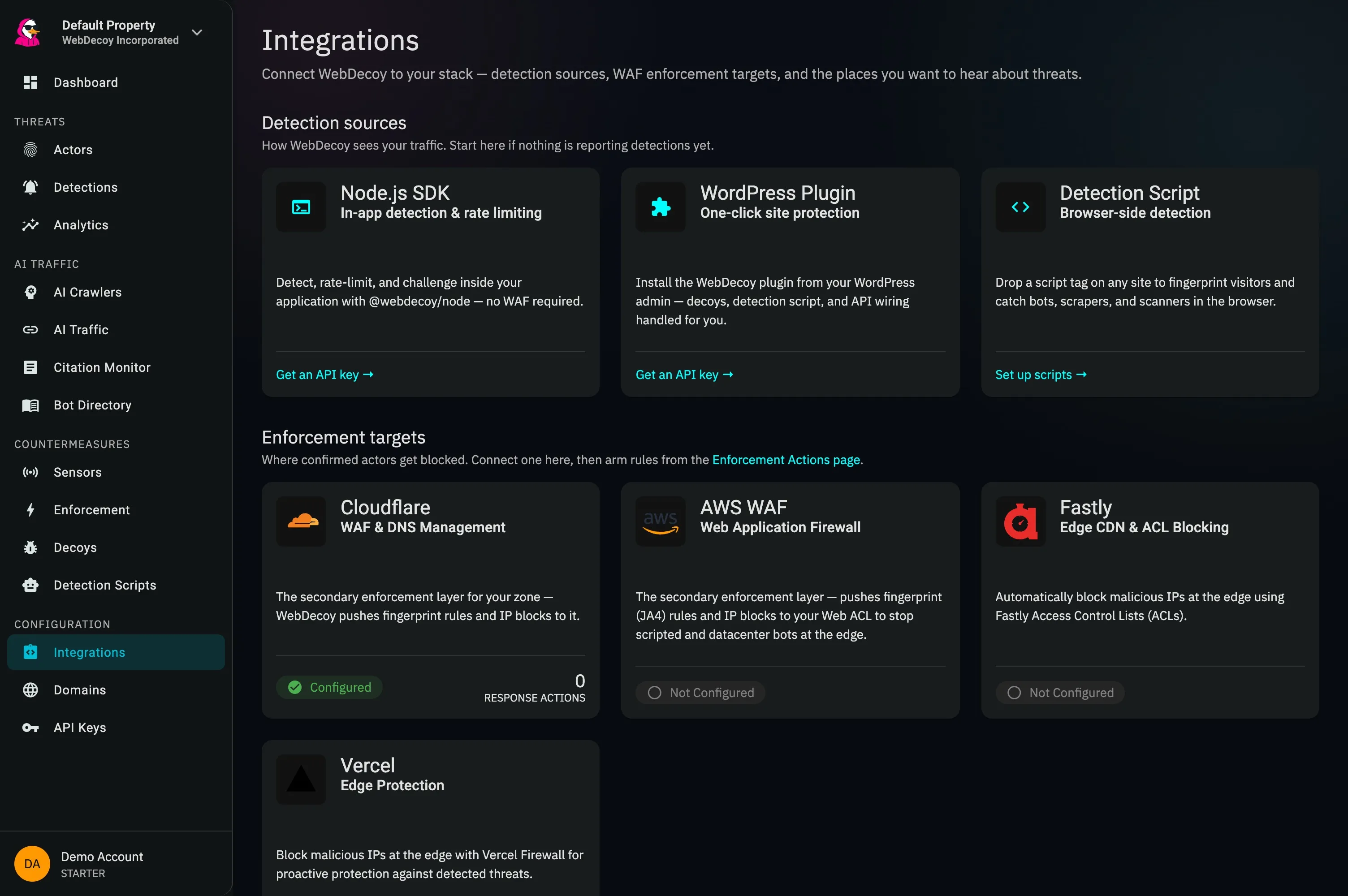
02 / UNDERSTAND THE TRAFFIC
Move from IPs to adversaries.
WebDecoy correlates detections into persistent actors, checks declared crawler identities, and shows the evidence behind every score. Filters stay shareable, so an investigation can move from one teammate to the next intact.
Learn the detections workflow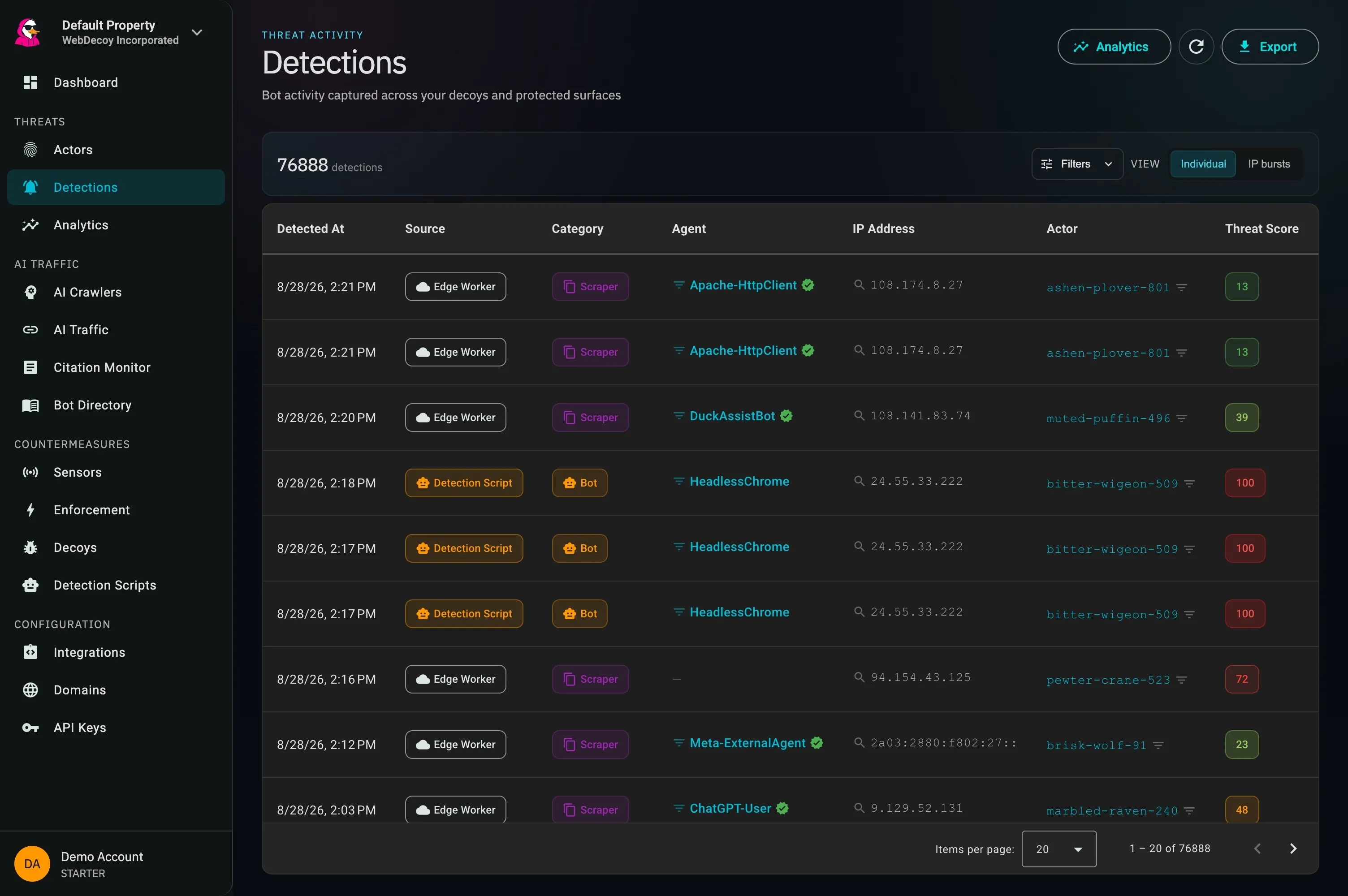
Edge and server sensors reveal crawlers, HTTP libraries, and scanners that never execute JavaScript.
Web Bot Auth, reverse DNS, network ownership, and request evidence distinguish verified agents from impersonators.
Begin in monitor mode, then challenge or block at your edge using policies you can explain and reverse.
03 / CLOSE THE LOOP
Turn a finding into a policy.
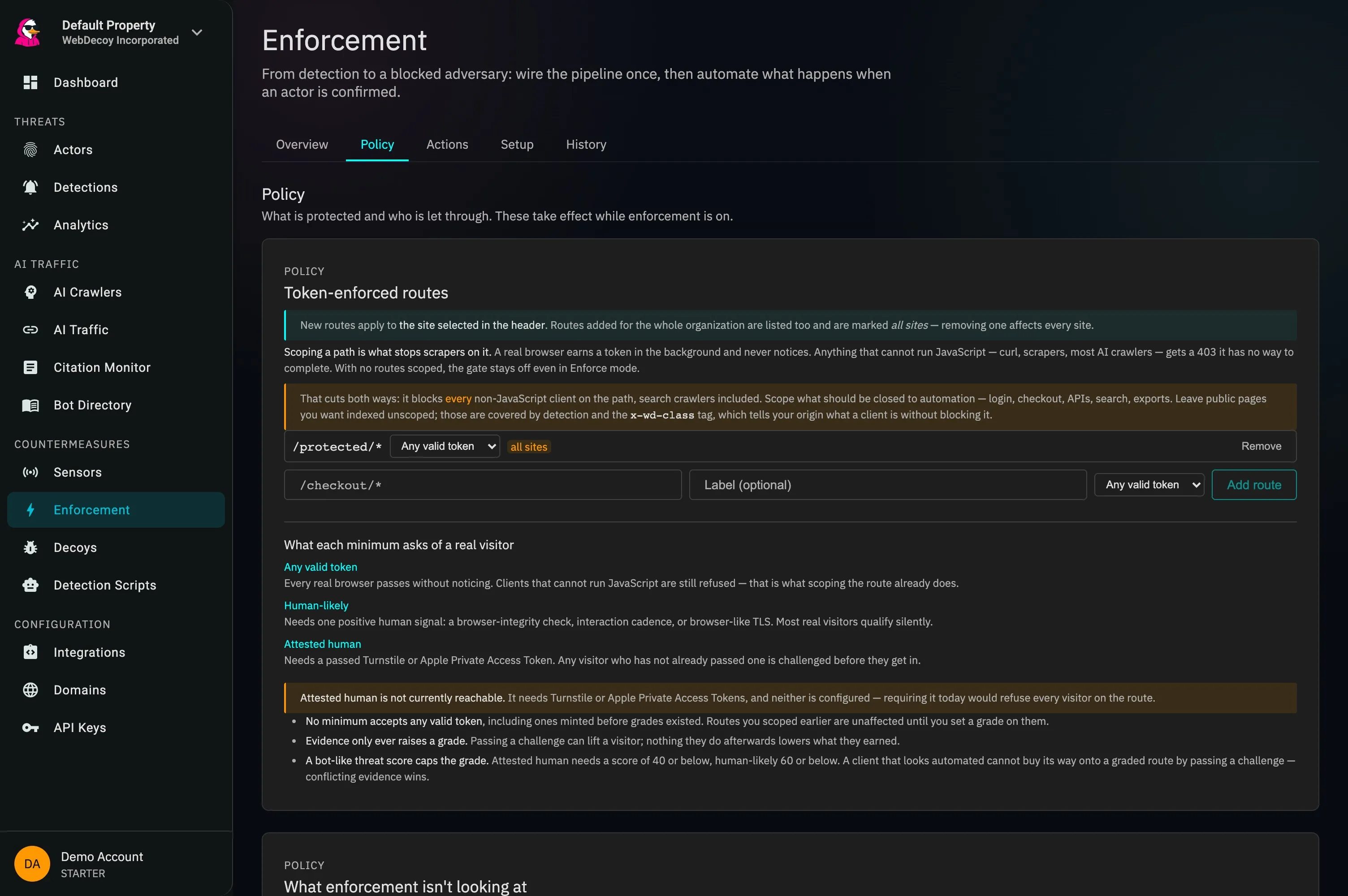
Scope only the routes that should be closed to automation. Real browsers earn clearance silently; clients that cannot satisfy the policy are refused at the edge. Every minimum is explicit before you turn enforcement on.
Design a response workflow